

Master DTF printing terminology for outsourcing success
Master essential DTF printing terminology to communicate clearly with suppliers, prevent costly errors, and optimize transfer quality for your custom apparel business outsourcing needs.

Master DTF printing terminology for outsourcing success
Many custom apparel businesses think they can outsource DTF transfer production without understanding the technical language. This assumption leads to miscommunication, quality issues, and wasted money. Mastering DTF printing terminology transforms your outsourcing from guesswork into a precise, profitable process. You’ll communicate clearly with suppliers, catch problems early, and ensure consistent quality across every order.
Table of Contents
- Introduction To Dtf Printing And Its Industry Importance
- Key Dtf Printing Materials And Their Roles
- Understanding The Dtf Printing Process: Workflow And Terminology
- Common Misconceptions And Terminology Traps In Dtf Printing
- Workflow Optimization Terms And Outsourcing Communication
- Heat Press Settings And Finishing Terminology For Quality Transfers
- Practical Guide To Applying Dtf Terminology In Business Decisions
- Summary: Mastering Dtf Terminology For Outsourcing Success
- Streamline Your Dtf Outsourcing With Diy Printz Solutions
Key takeaways
| Point | Details |
|---|---|
| Materials mastery | Understanding PET film types, adhesive powder, and CMYK+White ink systems prevents specification errors and quality failures. |
| Process clarity | Knowing heat press parameters, peel methods, and curing terminology ensures proper finishing and transfer durability. |
| Workflow efficiency | Terms like RIP software and gang sheets optimize production costs and streamline supplier communication. |
| Avoid misconceptions | Clearing up myths about equipment costs, durability claims, and process complexity prevents costly outsourcing mistakes. |
| Business application | Applying terminology knowledge improves supplier negotiations, quality control, and scalable production. |
Introduction to DTF printing and its industry importance
Direct-to-film printing, or DTF printing, is a digital method that prints vibrant designs onto PET film transfers. Unlike screen printing or direct-to-garment methods, DTF supports diverse fabrics including dark and blended textiles, making it ideal for custom apparel shops serving varied customer needs.
Yet many businesses jump into outsourcing without grasping core terminology. This knowledge gap creates real problems:
- Misspecified materials arrive, forcing production delays
- Quality expectations clash with supplier capabilities
- Hidden costs emerge from misunderstood pricing structures
- Finishing errors ruin batches because peel methods weren’t clarified
Mastering DTF terminology bridges these communication gaps. When you speak the same technical language as your suppliers, you control quality, reduce errors, and protect profit margins. You become a knowledgeable buyer who can evaluate supplier claims, spot red flags early, and make confident production decisions.
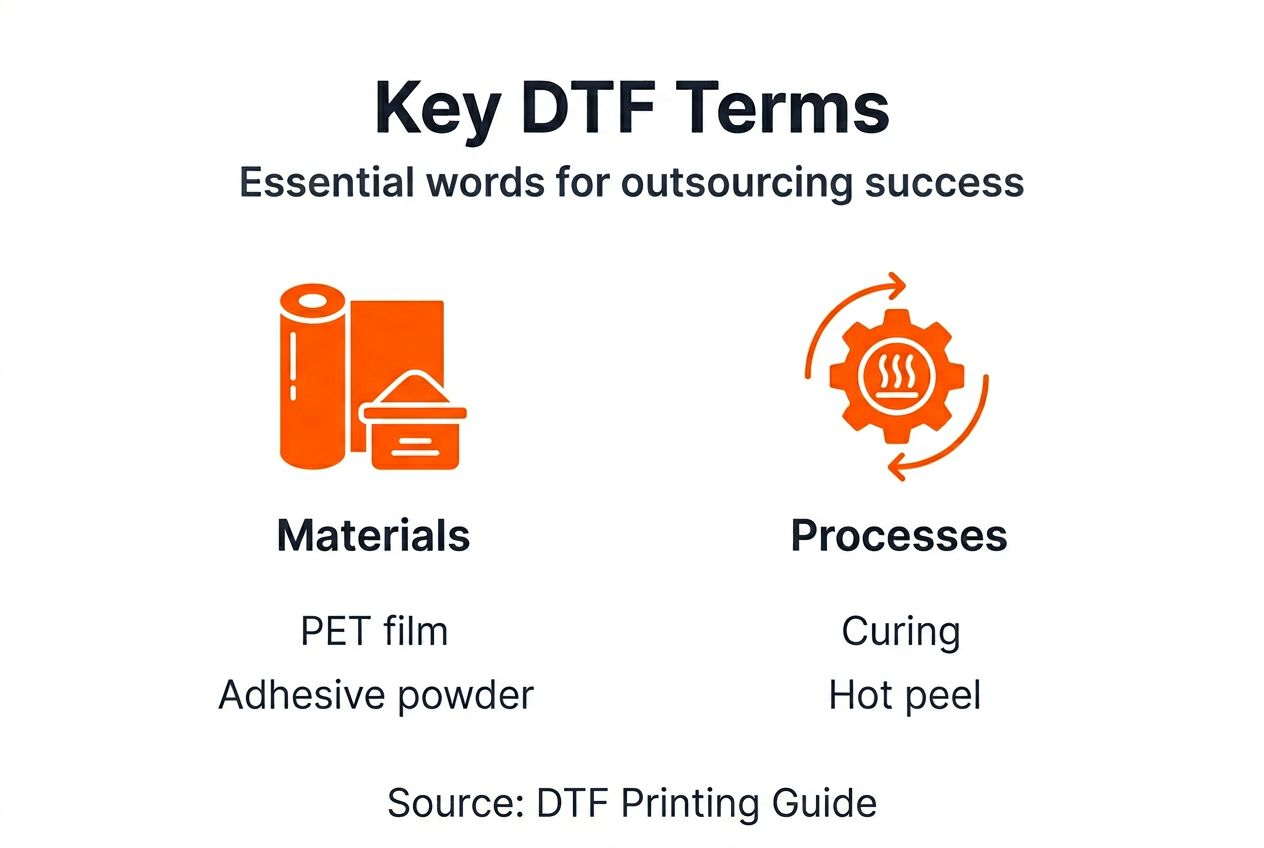
This guide breaks down the terminology you need to outsource DTF transfer production successfully. You’ll learn materials, process steps, workflow optimization terms, and how to apply this knowledge in real business scenarios.
Key DTF printing materials and their roles
Three core materials define DTF printing quality: PET film, adhesive powder, and specialized ink systems. Understanding each component helps you specify exactly what you need and anticipate how materials affect your final product.
PET film is the carrier medium that holds your design during transfer. Three types exist, each affecting your workflow:
- Cold peel film requires cooling before removal, delivering smooth finishes and strong adhesion
- Hot peel film peels immediately after pressing for faster production throughput
- Double-coated film features enhanced ink reception for sharper detail and color vibrancy
Your film choice impacts production speed, finish quality, and durability. When comparing DTF vs screen printing, film selection becomes critical for matching or exceeding traditional durability expectations.
Adhesive powder is thermoplastic polyurethane, or TPU, applied to wet prints. Under heat press conditions, this powder melts and bonds ink permanently to fabric fibers. Powder particle size affects texture, with finer particles creating softer hand feel. Temperature sensitivity varies between powder formulations, so matching powder specs to your heat press capabilities matters.
CMYK+White ink configuration separates DTF from other digital methods. Standard CMYK colors print your design, but white ink serves as an underbase layer. This white layer sits between the fabric and colored inks, blocking dark fabric colors from dulling your design. Without proper white underbase, vibrant colors appear washed out on black or navy garments.
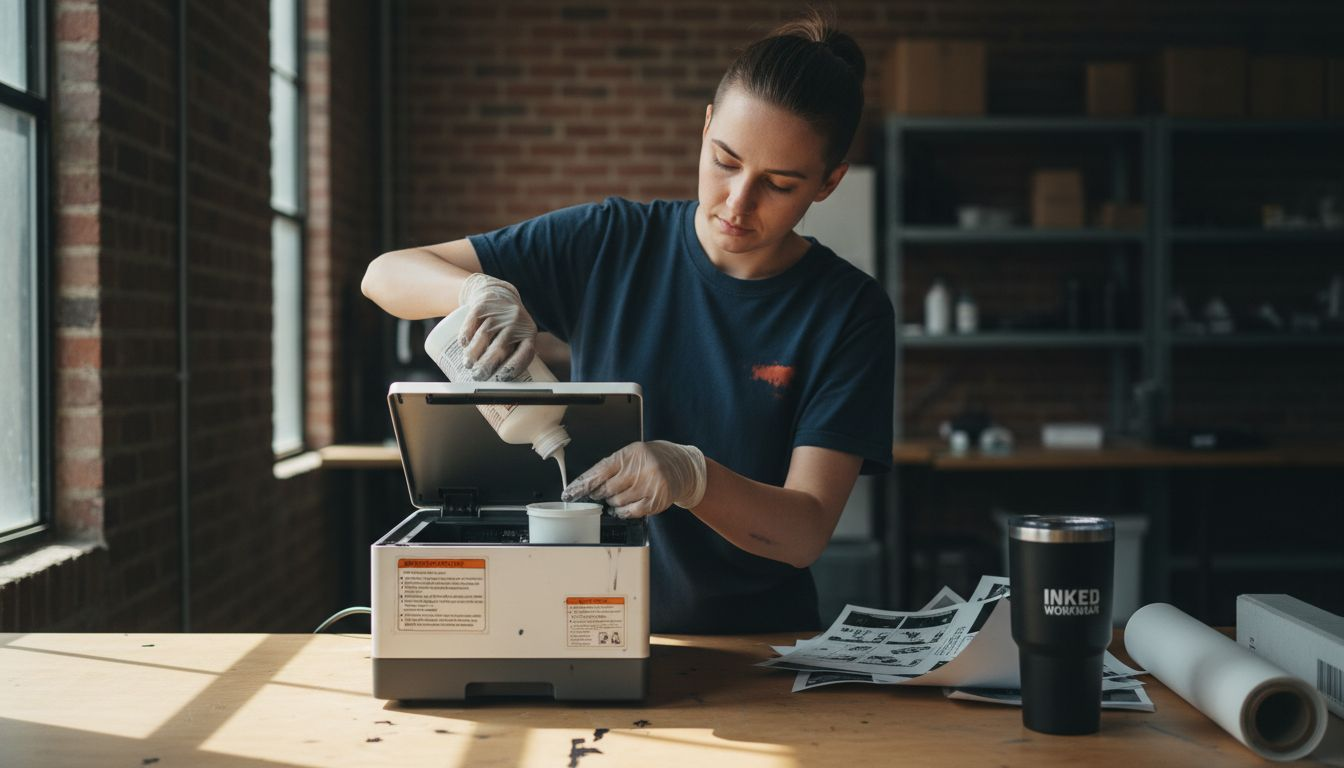
Knowing these material terms lets you evaluate supplier quotes accurately. When a vendor mentions double-coated film or TPU particle size, you’ll understand how these choices affect your final product quality and DTF transfer maintenance requirements.
Understanding the DTF printing process: workflow and terminology
The DTF production workflow involves five sequential steps, each with specific terminology that defines quality outcomes.
-
Design printing begins with your artwork printed in reverse (mirror image) onto PET film. White ink prints first as an underbase layer, followed by CMYK color layers on top.
-
Adhesive powder application happens while ink remains wet. Automated powder shakers distribute TPU powder evenly across the printed surface, with excess powder collected for reuse.
-
Curing occurs in conveyor ovens or heat chambers where controlled temperatures melt the adhesive powder, bonding it to the ink layers without fully activating adhesion.
-
Heat pressing transfers the design to fabric using three critical parameters: temperature (typically 300°F), pressure (medium to firm), and press time (15 to 20 seconds). These settings activate the adhesive and permanently bond the transfer.
-
Peeling removes the PET carrier film using one of two methods. Cold peel and hot peel differ in timing and impact quality. Cold peel waits for the transfer to cool completely, typically 30 to 60 seconds, producing smoother finishes with better adhesion. Hot peel removes film immediately after pressing, speeding production but potentially affecting texture.
An optional second press after peeling enhances durability. This final press step, lasting 5 to 10 seconds, further embeds the transfer into fabric fibers, improving wash resistance and longevity.
Understanding these process terms helps you troubleshoot DTF printing issues when problems arise. If transfers crack after washing, you’ll know to check press temperature and time. If colors look dull, you’ll investigate white underbase coverage.
Workflow terminology also appears in supplier communication. When vendors quote turnaround times, they reference curing capacity and pressing throughput. When discussing quality standards, they specify peel methods and press parameters. Speaking this language confidently positions you as a knowledgeable buyer who understands production realities.
For detailed application guidance, consult resources on how to apply DTF transfers and achieving perfect results with proper technique.
Common misconceptions and terminology traps in DTF printing
Several persistent myths about DTF printing stem from terminology confusion. Clearing these up prevents expensive mistakes.
Misconception: DTF printing requires massive capital investment
DTF has a lower barrier to entry than many assume. Unlike DTG printers that cost $15,000 to $50,000, entry-level DTF systems start around $3,000 to $5,000. More importantly, outsourcing eliminates equipment investment entirely. When suppliers mention printer specifications, they’re explaining their capabilities, not requirements you must meet.
Misconception: DTF transfers don’t last as long as screen prints
Properly produced DTF transfers endure 100-plus washes when correct adhesive powder and pressing parameters are used. This matches or exceeds screen printing durability for most applications. The confusion arises from low-quality transfers made with inferior materials or incorrect press settings. When evaluating what transfer prints are, focus on material specifications and process controls, not outdated durability assumptions.
Misconception: Cold peel and hot peel are interchangeable
Peel method significantly impacts results. Cold peel produces smoother finishes with superior adhesion because the adhesive fully sets before film removal. Hot peel trades some finish quality for production speed. Using hot peel with cold peel film, or vice versa, causes adhesion failures and texture problems. Always match peel method to film type and quality requirements.
Misconception: RIP software is optional or just for color matching
Raster Image Processing (RIP) software is fundamental to consistent quality. It manages color profiles, controls ink density, optimizes white underbase coverage, and ensures print uniformity across jobs. Without RIP software, manual adjustments lead to color shifts between batches and wasted materials. Professional DTF operations always use RIP systems.
Understanding these distinctions protects you from supplier claims that sound good but deliver poor results. When a vendor offers suspiciously cheap transfers, probe their material specs, press parameters, and quality controls.
Workflow optimization terms and outsourcing communication
Efficient DTF production relies on specialized workflow concepts that reduce costs and improve output quality.
Gang sheets arrange multiple designs on a single transfer film sheet, maximizing material usage. Instead of printing one design per sheet with wasted space, gang sheets pack designs tightly, cutting film costs by 30% to 50%. When requesting quotes, ask suppliers about gang sheet capabilities and minimum quantities. Understanding this term helps you structure orders for maximum cost efficiency.
AI-assisted RIP software automates color management and improves consistency. Modern RIP systems analyze designs, automatically adjust white underbase density based on fabric color, and optimize ink usage to prevent oversaturation. This automation reduces operator error and maintains quality across large production runs.
Production metrics give you objective quality measures:
- Print resolution (typically 720x1200 or 1440x1440 DPI for DTF)
- Curing temperature accuracy (±5°F variance is acceptable)
- Adhesive powder coverage uniformity (visual inspection for bare spots)
- Press parameter consistency (temperature, pressure, time logged per batch)
Pro Tip: Request suppliers share their RIP profile settings and proof gang sheet layouts before production begins. This transparency reveals their technical competence and gives you documentation for quality control.
| Feature | Cold Peel | Hot Peel |
|---|---|---|
| Adhesion strength | Superior, permanent bond | Good, adequate for most uses |
| Finish quality | Smooth, professional texture | Slightly rougher hand feel |
| Production speed | Slower (requires cooling time) | Faster (immediate peel) |
| Best applications | Premium garments, detailed designs | High-volume basic prints |
| Film cost | Moderate | Slightly lower |
Understanding these workflow terms empowers better supplier conversations. You’ll ask informed questions about gang sheet optimization, RIP capabilities, and quality controls. Suppliers recognize knowledgeable buyers and typically provide better service and more accurate quotes.
For practical workflow implementation, explore guides on DTF transfer workflow for custom apparel and essential DTF printing checklist steps.
Heat press settings and finishing terminology for quality transfers
Finishing parameters directly determine whether transfers look professional and survive repeated washing. Mastering these terms lets you specify requirements and verify supplier processes.
Temperature control centers around 300°F for most DTF transfers, though exact specifications vary by adhesive powder formulation. Too low, and adhesive doesn’t fully activate, causing peeling after washing. Too high, and fabric scorching or adhesive breakdown occurs. Digital heat presses with PID temperature controllers maintain accuracy within ±5°F, critical for consistent results.
Pressure settings prevent common defects. Insufficient pressure leaves adhesive unbonded in spots, creating wash durability problems. Excessive pressure can crack designs or create unwanted texture impressions. Medium to firm pressure (about 40 to 60 PSI on pneumatic presses) suits most applications.
Press time typically ranges from 15 to 20 seconds for the initial transfer. Thicker fabrics like hoodies may need 18 to 20 seconds, while thin performance fabrics work with 12 to 15 seconds. Under-pressing produces weak adhesion, while over-pressing wastes production time without quality benefits.
Cold peel requires cooling before peeling, offering better adhesion and smoother finish. Hot peel enables faster throughput with immediate peeling, trading some finish quality for speed. Match your peel method to film specifications and quality requirements.
Second pressing (post-peel press) takes 5 to 10 seconds and significantly improves durability. This step embeds the transfer deeper into fabric structure, enhancing wash resistance and preventing edge lifting. High-quality production always includes second pressing.
Pro Tip: Verify heat press calibration monthly using temperature strips and pressure gauges. Confirm peel method compatibility with your film supplier’s specifications before production runs. These simple checks prevent thousands of dollars in rejected inventory.
For comprehensive application techniques, reference the DTF transfer workflow guide covering all finishing steps.
Practical guide to applying DTF terminology in business decisions
Knowing terminology only helps when you apply it strategically to real outsourcing situations.
Evaluate supplier technical competence through terminology use. Professional vendors clearly explain material specs, process parameters, and quality controls using accurate technical language. Vague descriptions like “high quality film” or “professional process” without specifics signal potential problems. Ask pointed questions about PET film types, adhesive powder specifications, RIP software systems, and press parameter controls.
Customize terminology understanding for your specific products. Athletic wear requires flexible, breathable transfers with specific adhesive formulations. Heavy workwear needs maximum durability with robust adhesion. Retail fashion demands smooth finishes and vibrant colors. Match technical specifications to end-use requirements by learning which terminology combinations deliver your needed performance.
Use precise technical language in supplier communication to reduce errors:
- Specify “double-coated cold peel PET film” instead of “good quality film”
- Request “TPU adhesive powder with 80-micron particle size” rather than “standard powder”
- Define “300°F at 18 seconds with medium-firm pressure” instead of “normal pressing”
This precision eliminates ambiguity and sets clear quality expectations.
Apply terminology knowledge to negotiate better terms. Understanding production realities like gang sheet economics, RIP software capabilities, and curing capacity constraints helps you structure orders for mutual benefit. Larger gang sheet orders justify volume discounts. Flexible timelines that align with supplier curing schedules may reduce rush fees. Knowledge creates negotiating leverage.
Continuous learning keeps you current as DTF technology evolves. New adhesive formulations, improved RIP software features, and advanced film types regularly emerge. Subscribe to industry resources, attend trade shows virtually, and maintain dialogue with multiple suppliers to track terminology changes and technological improvements.
For immediate application, explore same-day DTF transfers with auto gang sheets to see terminology in action.
Summary: mastering DTF terminology for outsourcing success
Terminology mastery transforms DTF transfer outsourcing from risky guesswork into a controlled, profitable process. When you understand materials like PET film types, TPU adhesive powder, and CMYK+White ink systems, you specify exactly what you need and anticipate quality outcomes.
Process knowledge covering printing, curing, pressing, and peeling gives you quality control checkpoints throughout production. You catch problems early, verify supplier processes, and ensure consistent results batch after batch.
Workflow terms like gang sheets, RIP software, and production metrics enable cost optimization and efficiency gains. You structure orders strategically, communicate technical requirements clearly, and measure supplier performance objectively.
Clearing misconceptions about equipment costs, durability, and process complexity prevents expensive mistakes. You evaluate supplier claims critically and make decisions based on technical realities, not marketing hype.
Most importantly, confident use of technical language positions you as a knowledgeable buyer. Suppliers take you seriously, provide better service, and deliver higher quality because they recognize your expertise. This competitive advantage directly improves your bottom line and supports sustainable business growth.
Streamline your DTF outsourcing with DIY Printz solutions
Understanding DTF terminology is powerful, but applying it with the right production partner makes all the difference. DIY Printz combines technical expertise with practical tools that eliminate outsourcing complexity.
Our auto gang sheet builder uses the terminology you’ve learned to optimize every order automatically. Specify your film type, peel method, and quantity, then let our system arrange designs for maximum efficiency. You get professional-grade transfers without managing technical details yourself.
With hundreds of orders produced monthly, DIY Printz speaks your technical language fluently. We understand cold peel adhesion requirements, RIP color management, and pressing parameter precision because we live these processes daily. Visit DIY Printz to experience how mastering terminology translates into real production results.
FAQ
What is the difference between cold peel and hot peel in DTF printing?
Cold peel involves removing the transfer film after it cools completely, typically 30 to 60 seconds post-press. This method produces stronger adhesion and smoother finishes. Hot peel means removing film immediately after heat pressing for faster production throughput, though finish texture may be slightly rougher. Match peel method to your film type and quality requirements.
Why is RIP software important in DTF printing workflows?
RIP software automates color profile management, controls ink density, and optimizes white underbase coverage for consistent print quality. It eliminates manual adjustments that cause color shifts between batches and reduces material waste. Professional DTF operations always use RIP systems to maintain quality standards across large production runs.
How can mastering DTF terminology improve my outsourcing results?
Clear terminology enables precise specification of materials, process parameters, and quality expectations when communicating with suppliers. This reduces misunderstandings, prevents production errors, and speeds turnaround times. Speaking technical language confidently positions you as a knowledgeable buyer, improving supplier relationships and service quality.
What types of adhesive powders are used in DTF printing?
Thermoplastic polyurethane (TPU) powder is the standard adhesive in DTF printing, melting during heat pressing to bond ink permanently to fabric. Different formulations vary in particle size (affecting texture softness) and melting temperature (matching specific press settings). Finer particles create softer hand feel, while coarser particles may offer slightly stronger initial adhesion.
Recommended
READY TO PRINT?
Send us your artwork and we'll dial in your DTF transfer, color, and same-day turnaround.


