

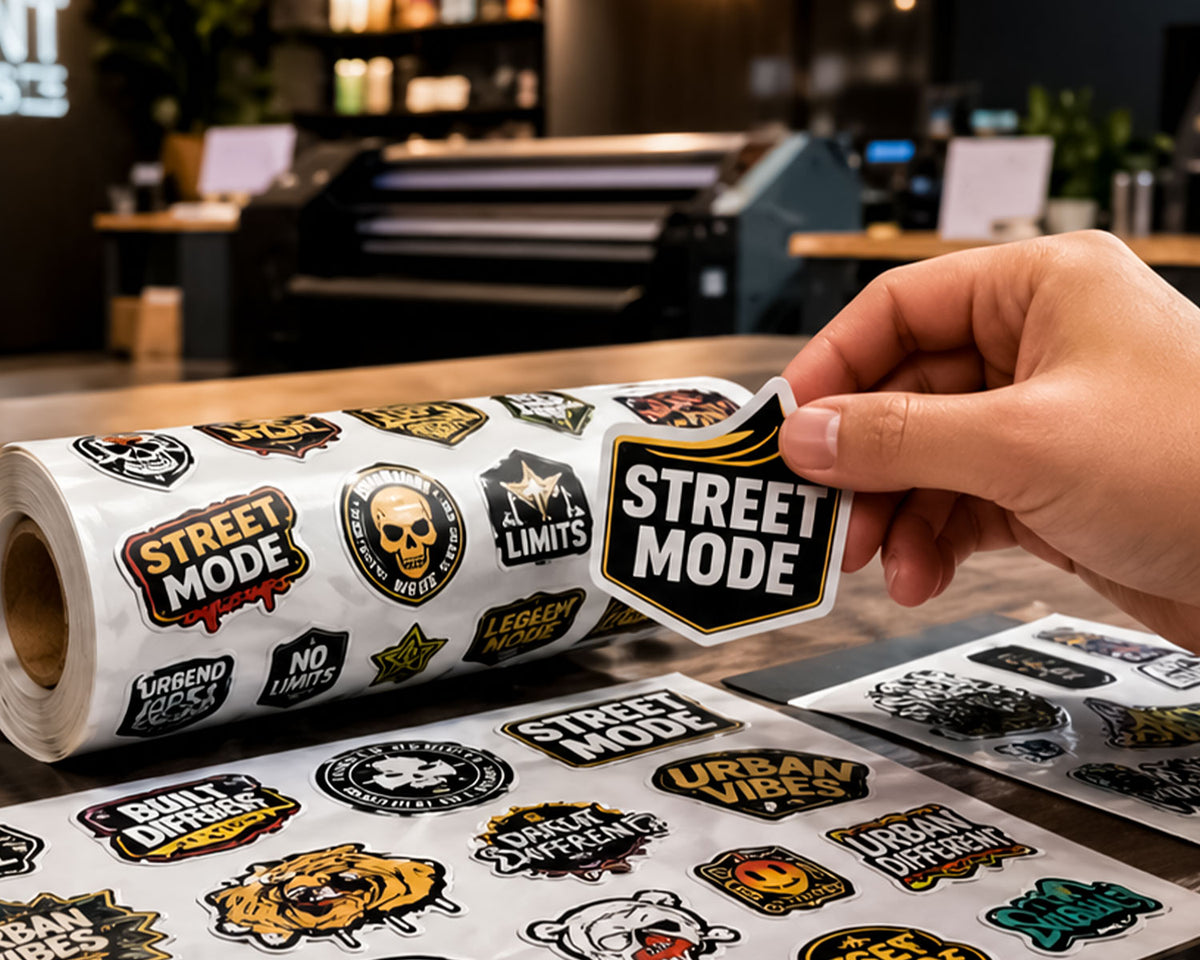
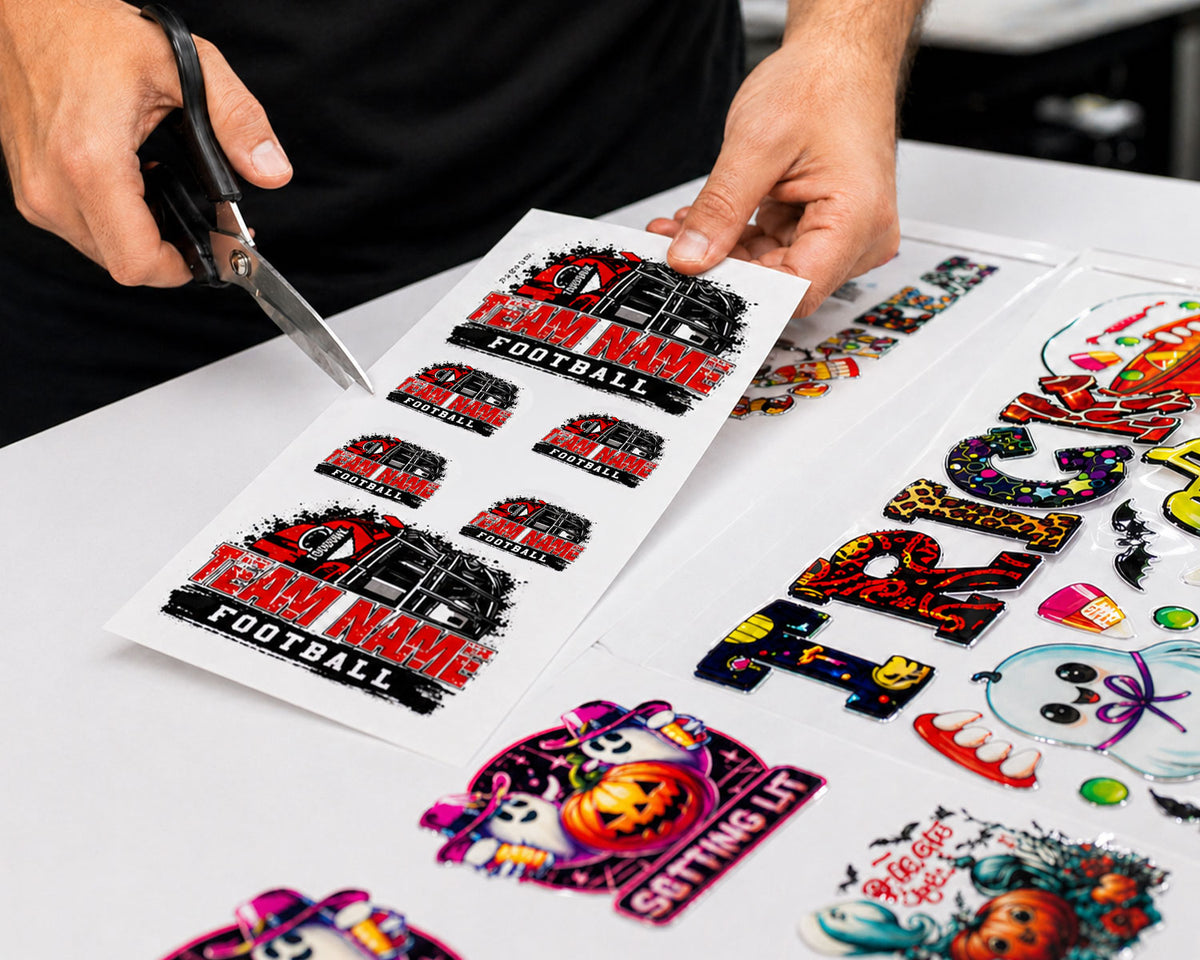
Select Your Imprint Type

Choose between auto building your gang sheet or upload your print ready dtf gang sheet.

UV GANG SHEET BUILDER

Best for customers who want to easily arrange multiple UV designs online without needing design software or creating a full gang sheet from scratch.

BUILD GANG SHEET

UV GANG SHEET UPLOADER

Made for customers who prefer to build their UV layout in their own design program and upload a finished, print-ready gang sheet.

UPLOAD GANG SHEET
Application Guide

DTF Application Instructions

Follow these simple steps for a clean press, strong hold, and professional finish.

01
Add image
Prep

Clean the Surface

Clean the item with alcohol and allow it to dry completely before applying your transfer. Make sure the surface is free from dust, lint, oil, and fingerprints for the best adhesion.

Pro Tip: Use a lint-free cloth when cleaning to avoid leaving behind small fibers that can affect the final application.

02
Add image
Position

Position Your Design

Place the transfer exactly where you want it and take a moment to double-check the alignment before applying pressure. Once the adhesive touches the surface, it may be difficult to lift, move, or reposition without affecting the final result.

03
Add image
Press

Apply with Pressure

Apply the transfer by pressing it firmly onto the surface, working from one side to the other. Use your fingers or a squeegee to smooth it down evenly and help prevent bubbles, wrinkles, or lifting.

Pro Tip: Start from the center or one edge and move slowly outward for a cleaner, smoother application.

04
Add image
Finish

Remove the Top Film

Peel the clear film back slowly at a low angle. If any part lifts, place the film back down, rub firmly, then continue peeling. Once removed, press over the design again to secure the print.

Frequently Asked Questions

Got questions about our premium transfers or gang sheet setup? Find your quick answers here.

What is the difference between the Auto Gang Sheet Builder and the Gang Sheet Uploader?

The Auto Gang Sheet Builder lets you upload your individual designs and automatically arranges them for you. The Gang Sheet Uploader is for customers who already have a complete, print-ready gang sheet and only need to upload the finished file.

When should I use the Auto Gang Sheet Builder?

Use the Auto Gang Sheet Builder if you have separate designs and want the system to place them onto a gang sheet for you. This is a great option if you want to save time or do not want to build the layout manually.

When should I use the Gang Sheet Uploader?

Use the Gang Sheet Uploader if you already created your gang sheet in Canva, Photoshop, Illustrator, CorelDRAW, or another design program. Your file should be fully arranged, sized correctly, and ready to print.

Do I need design software to use the Auto Gang Sheet Builder?

No. The Auto Gang Sheet Builder is made for customers who do not have design software or prefer a faster setup. Simply upload your artwork, select your options, and let the builder organize the layout.

What does “print-ready” mean for the Gang Sheet Uploader?

Print-ready means your file is already completed and does not need editing. Your artwork should be the correct size, high quality, properly spaced, and free of unwanted backgrounds, borders, or low-resolution images.

Can I upload a gang sheet made in Canva, Photoshop, or Illustrator?

Yes. If your gang sheet was created in Canva, Photoshop, Illustrator, CorelDRAW, or another design program, you can upload it through the Gang Sheet Uploader as long as the file is print-ready and sized correctly.

Will my uploaded gang sheet be edited or rearranged?

No. Files submitted through the Gang Sheet Uploader are printed as uploaded. Please review your artwork, sizing, spelling, spacing, and image quality before placing your order.

Which option should I choose if I am not sure how to build a gang sheet?

Choose the Auto Gang Sheet Builder if you are unsure how to create a layout yourself. It is the easier option because it helps arrange your designs without needing advanced editing skills.