

DIY PRINTZ · GUIDES
APPLICATION GUIDE
Everything you need to apply your transfers, sublimation prints, and UV DTF stickers like a pro. Choose your product below to jump to instructions.
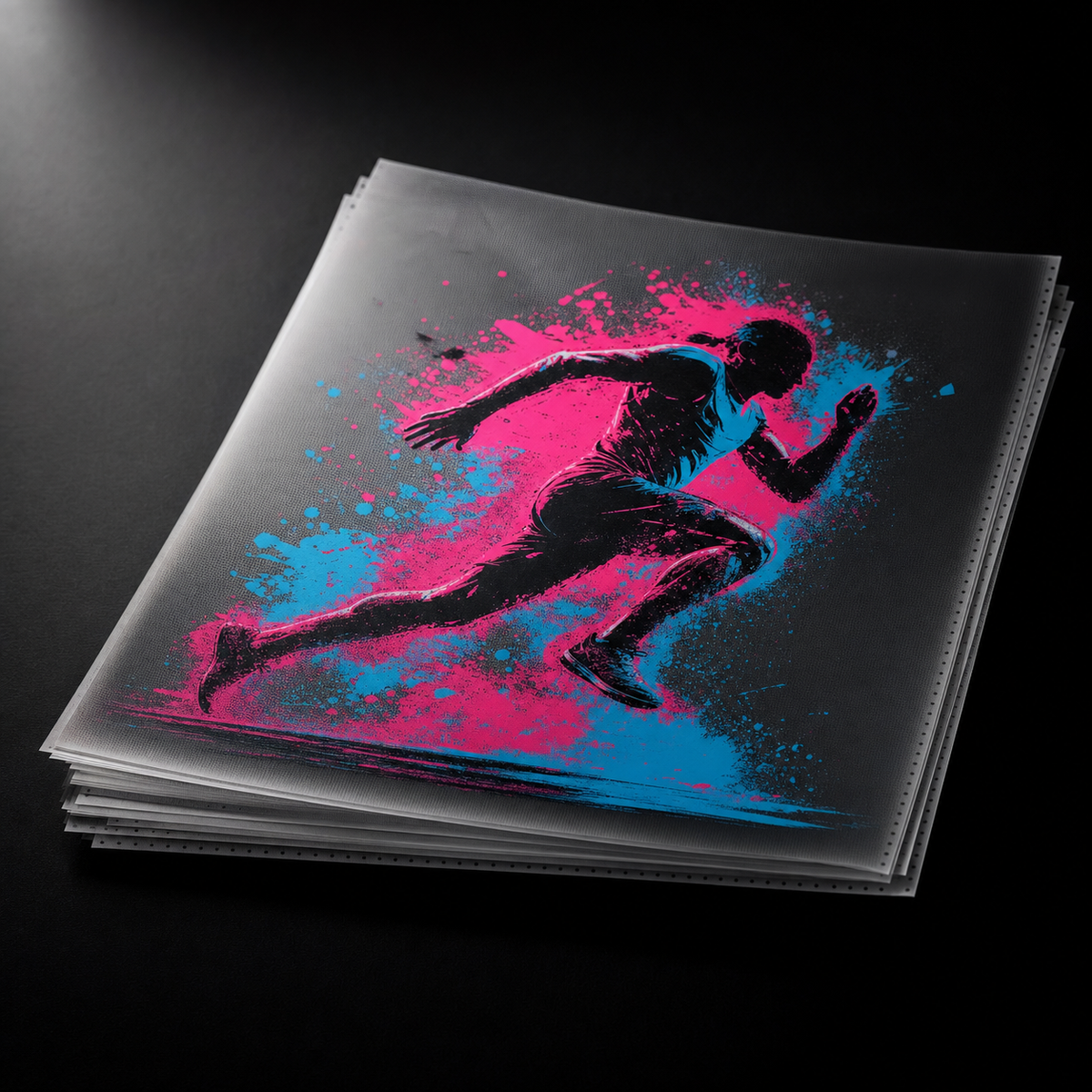
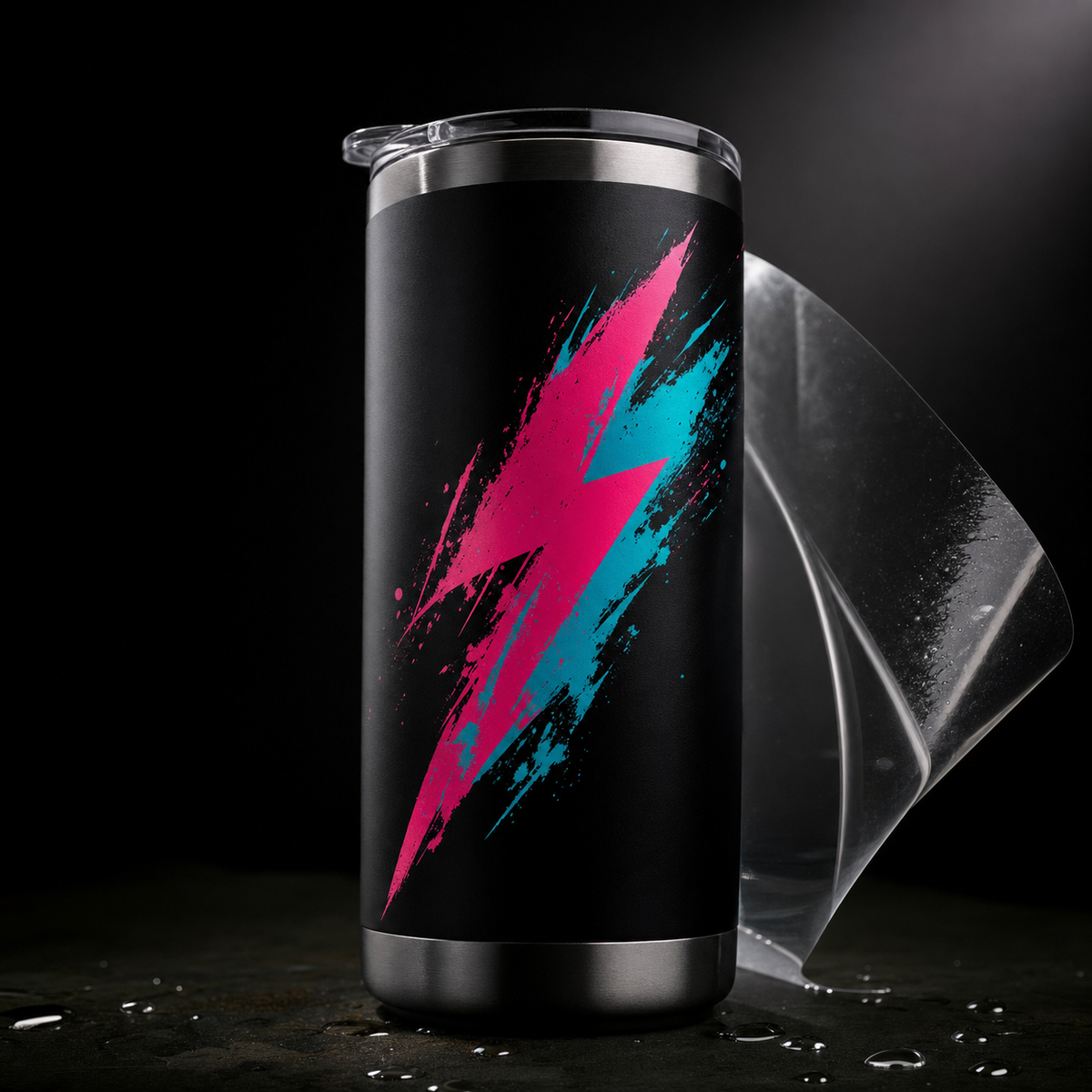
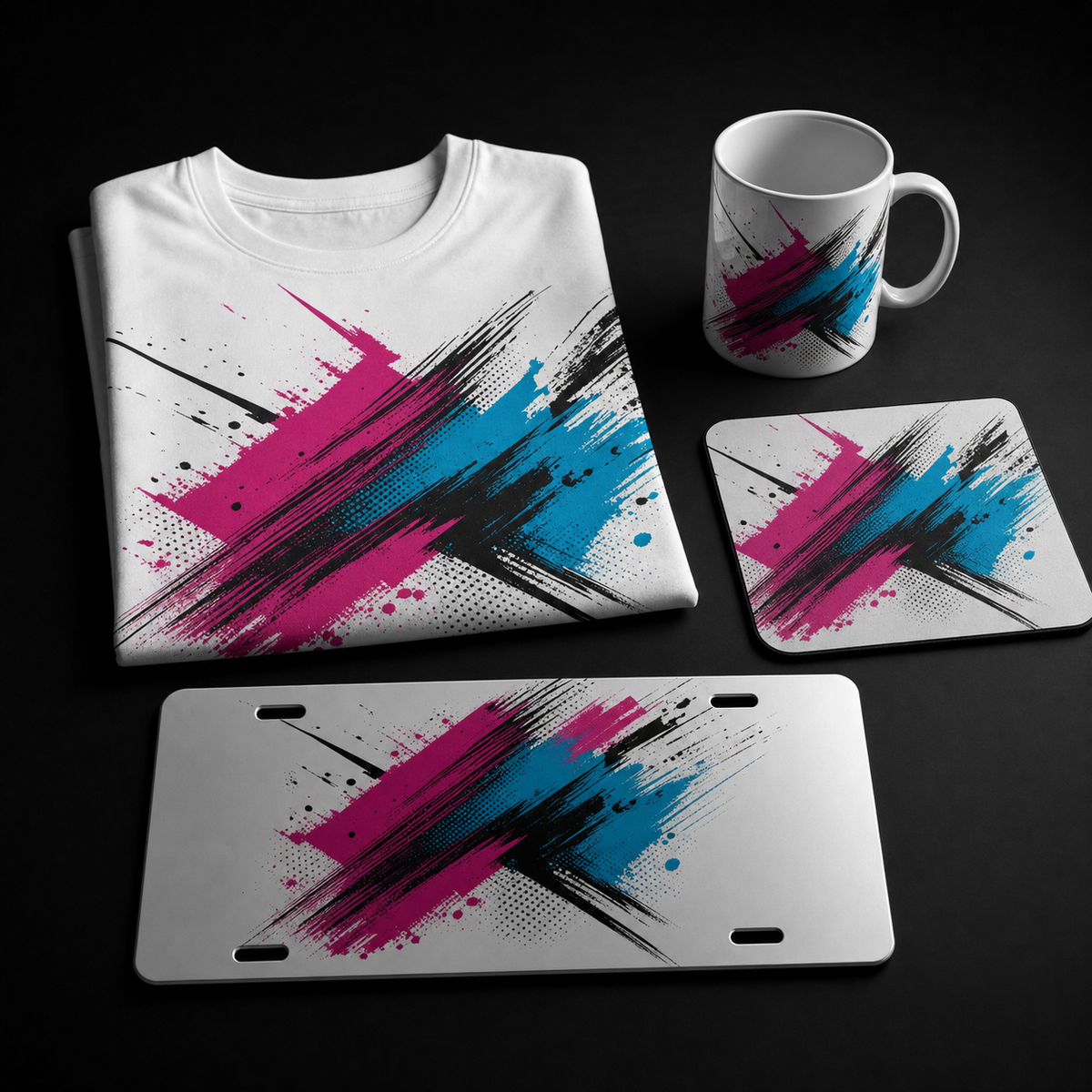
DTF TRANSFERS
REGULAR · GLITTER · FLUORESCENT — APPLIES TO ALL
 01
01
PRE-PRESS
Pre-press your garment for 5 seconds to remove moisture and wrinkles.
 02
02
PLACE TRANSFER
Position the DTF transfer with the design side down onto the garment.
 03
03
HEAT PRESS
Press at 300°F for 15 seconds with medium-firm pressure.
 04
04
PEEL & FINISH
Peel the carrier sheet warm or cold. Do a 5-second finishing press with parchment for extra durability.
UV DTF TRANSFERS
PEEL · PRESS · GO — NO HEAT REQUIRED
NO HEAT PRESS NEEDED 01
01
PEEL LAYER A
Peel the paper backing away from the transfer sheet to expose the design on the clear application film.
 02
02
POSITION
Place the sticker firmly onto your clean, dry surface. Press down evenly. No heat required.
 03
03
BURNISH
Rub the entire design with a squeegee or card. Apply firm, even pressure for 30 seconds.
 04
04
PEEL LAYER B
Slowly peel back the clear top film at a sharp angle, leaving your design transferred to the surface.
SUBLIMATION
APPLICATION VARIES BY PRODUCT — SELECT YOURS BELOW
Recommended: 100% polyester, light-colored fabrics
 01
01
PRE-PRESS
Pre-press the garment for 10 seconds at 400°F to remove moisture. Let it cool briefly.
 02
02
PLACE TRANSFER
Position the sublimation transfer face-down onto the garment. Use heat-resistant tape at the corners.
 03
03
HEAT PRESS
Press at 400°F for 60 seconds with medium-firm pressure. Use butcher paper above and below to prevent bleed-through.
 04
04
PEEL & COOL
Peel the transfer paper HOT, immediately after pressing, in one smooth motion. Let the garment cool flat.
Recommended: pre-sublimation coated polyester surface
 01
01
CLEAN
Wipe the mousepad surface with a lint-free cloth to remove dust and oils.
 02
02
POSITION & TAPE
Place the transfer face-down on the mousepad and secure with heat-resistant tape at all four corners.
 03
03
PRESS
Press at 400°F for 60 seconds. Place a blowout paper on top to protect the press platen.
 04
04
PEEL
Peel the transfer paper HOT and let the mousepad cool on a flat surface.
Recommended: coated aluminum blanks only
 01
01
CLEAN
Wipe the plate with a lint-free cloth. Handle by edges to avoid fingerprints.
 02
02
TAPE TRANSFER
Tape the transfer face-down onto the plate at all four corners with heat-resistant tape.
 03
03
PRESS
Press at 400°F for 60 seconds. Use foam pads or a Teflon sheet to distribute pressure evenly.
 04
04
PEEL & COOL
Peel the transfer HOT and set the plate aside on a flat, cool surface to finish.
Recommended: two-sided sublimation aluminum blanks
 01
01
CLEAN
Wipe both faces of each keychain blank with a lint-free cloth.
 02
02
SANDWICH
Sandwich the keychain between two transfers (design side facing each face). Tape edges to hold in place.
 03
03
PRESS
Press at 400°F for 60 seconds. Use foam pads to press both faces simultaneously.
 04
04
FINISH
Peel the transfers HOT. Attach keyrings once cool.
Two heating options — mug press for ceramic, shrink-wrap oven for tumblers
 01
01
CLEAN
Wipe the entire surface with a lint-free cloth. Ensure no dust or fingerprints remain.
 02
02
WRAP TRANSFER
Wrap the transfer tightly around the mug or tumbler, taping the seam and edges with heat-resistant tape.
 03
03
PRESS OR BAKE
For ceramic mugs: use a mug press at 400°F for 3 minutes. For stainless tumblers: use a shrink-wrap oven at 350°F for 8–10 minutes.
 04
04
COOL & PEEL
Let the item cool COMPLETELY before peeling. Peeling too soon on tumblers can smudge the design.
FREQUENTLY ASKED
APPLICATION QUESTIONS & TROUBLESHOOTING
DTF (Direct-to-Film) transfers apply to fabric using heat and pressure. UV DTF transfers are stickers that apply to hard surfaces like tumblers, mugs, glass, and metal with no heat — just peel, position, burnish, and peel again.
Yes. DTF transfers work on cotton, polyester, poly-blends, spandex, nylon, and most other fabrics. Just follow the standard press instructions.
Same as regular DTF but press 5–10 seconds longer for full adhesion. Cold peel is recommended to preserve the sparkle.
No — fluorescent transfers pop under blacklight and appear brighter in daylight, but they don't glow in complete darkness. For glow-in-the-dark effects, check our glow-in-the-dark product line.
No. UV DTF stickers are designed for hard, smooth, non-porous surfaces (tumblers, mugs, glass, metal, plastic, ceramic). For fabric, use regular DTF.
UV DTF stickers are hand-wash recommended. They can withstand occasional dishwasher use, but repeated high-heat washing may reduce their lifespan. For maximum durability, hand-wash and avoid abrasive scrubbers.
Sublimation typically requires 400°F for 60 seconds for apparel, mousepads, plates, and keychains. Ceramic mugs use a mug press at 400°F for 3 minutes. Stainless tumblers use a shrink-wrap oven at 350°F for 8–10 minutes.
Fading usually means low temperature or short press time. Verify your press is calibrated (they often run 20–30°F cooler than displayed) and check that you're using genuine sublimation blanks with the correct polyester coating.
No — sublimation only works on polyester or polymer-coated surfaces. For cotton, use DTF transfers instead. That's exactly what DTF was designed for.
Properly applied DTF and sublimation prints last the lifetime of the garment or product with normal wear and care. UV DTF stickers on hard surfaces last 5+ years indoors. Always follow the care instructions and avoid abrasive cleaning.