
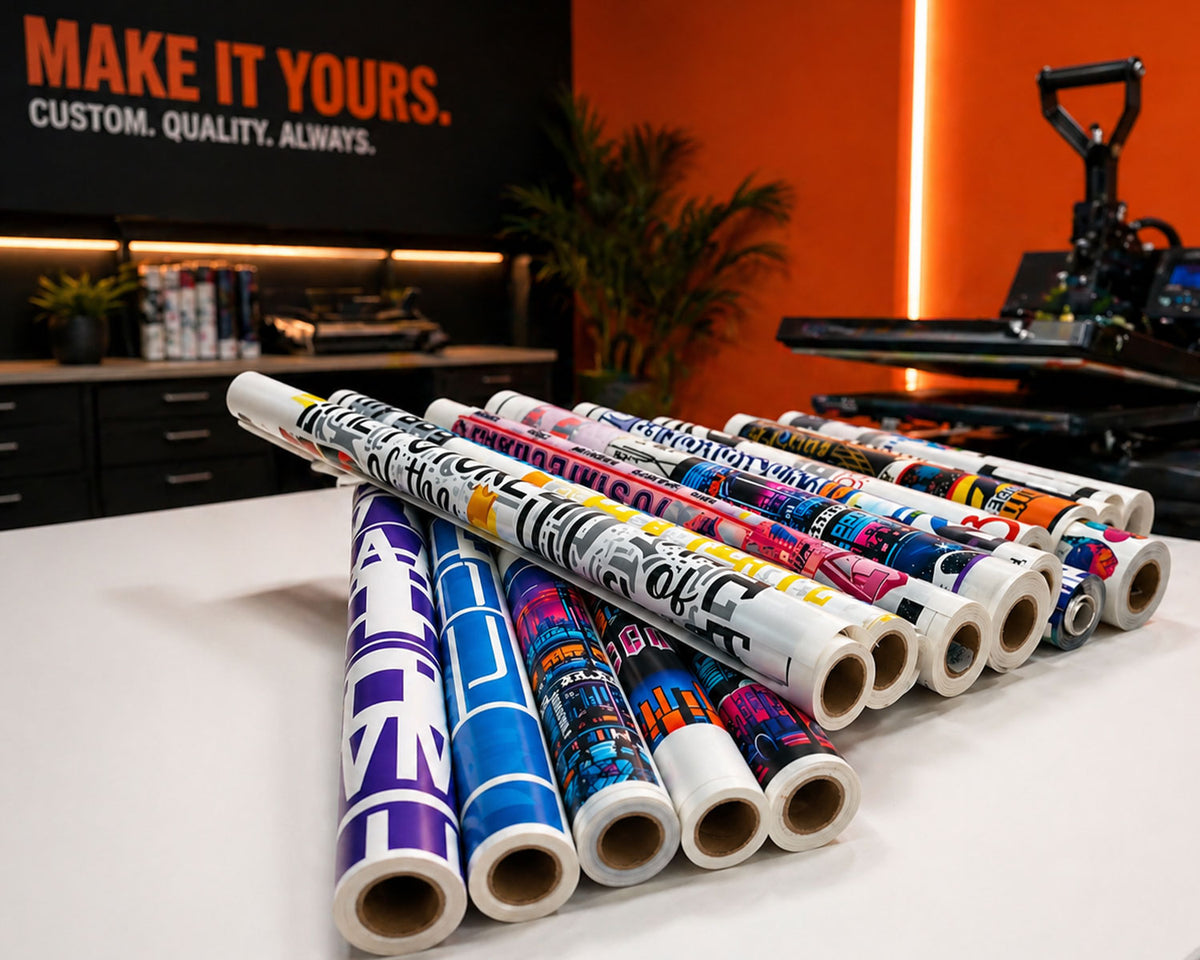
Same-DayPrinting Available
PickupDavie, FL
No MinimumsNo Setup Fees

Trusted by brands, creators, schools, and print shops

Select Your Imprint Type

Choose between auto building your gang sheet or upload your print ready dtf gang sheet.

DTF GANG SHEET BUILDER

Best for customers without editing software or anyone who wants a quicker, easier way to create a DTF gang sheet with less hassle.

BUILD GANG SHEET

DTF GANG SHEET UPLOADER

Ideal for customers who have already created their gang sheets using their preferred software, such as Photoshop, Illustrator, CorelDRAW, or Canva.

UPLOAD GANG SHEET
DTF TRANSFERS BY THE INCH

DTF TRANSFERS BY THE INCH

Upload your print-ready custom-size gang sheet (not a standard pre-sized option).
Simply enter the exact length in inches you need for your order, then upload your ready-to-print file (.PNG, .AI, or .EPS). We’ll print your gang sheet exactly to the size you purchased no resizing, no adjustments, just clean, professional DTF quality.

ORDER BY THE LENGTH
Application Guide

How To Apply DTF Transfers from DIY Printz

Every DIY Printz DTF transfer is ready to press right out of the package. Follow these four steps for a professional, long-lasting result every time.

01
Add image
Step 1

Pre-Press Your Garment

Pre-press your blank garment for 3–5 seconds to remove moisture and wrinkles. This creates a smooth, dry surface for your DIY Printz DTF transfer to bond properly.

02
Add image
Step 2

Place Your Transfer

Position the DIY Printz transfer face down on your garment. Align it exactly where you want the design. Use heat-resistant tape to hold it in place if needed.

03
Add image
Step 3

Heat Press at 300°F–325°F

Press firmly at 300°F–325°F for 10–15 seconds with medium-firm pressure. Once done, peel the carrier film warm or cold depending on the transfer type included with your order.

04
Add image
Step 4

Finishing Press & Care

Cover your design with parchment paper and do a final press for 5 seconds. For best durability, wash garments inside out in cold water and tumble dry on low.

DTF Transfer FAQ

Everything you need to know about ordering, applying, and caring for DTF transfers from DIY Printz in Davie, Florida.

DTF Basics

What Are DTF Transfers?

Everything you need to know about Direct-to-Film transfers and why they're the industry standard for custom apparel.

What are DTF transfers and how are they different from screen printing?

DTF (Direct-to-Film) transfers are full-color designs printed onto a special film with adhesive powder, then heat pressed onto garments. Unlike screen printing, DTF requires no screens, no setup fees, no color limits, and no minimums. You get photographic-quality prints on any fabric color — cotton, polyester, blends, nylon, denim, and more — without the high startup costs of traditional methods.

What fabrics and materials work with DTF transfers?

DTF transfers adhere to virtually any fabric: cotton, polyester, poly-cotton blends, nylon, denim, canvas, leather, and spandex. They work equally well on light and dark garments without needing separate transfer types. You can also apply DTF transfers to bags, hats, shoes, and other textile surfaces — making them one of the most versatile decoration methods available.

How long do DTF transfers last on garments?

When applied correctly, DTF transfers from DIY Printz can withstand 50+ washes without cracking, peeling, or fading. For best longevity, wash garments inside out in cold water, use mild detergent, avoid bleach and fabric softeners, and tumble dry on low heat or hang dry.

Are DTF transfers better than HTV (heat transfer vinyl)?

DTF transfers offer several advantages over HTV: no weeding required, unlimited colors in a single design, photographic detail, softer hand feel, and no color layering. HTV requires cutting, weeding, and layering each color separately. DTF prints the entire design at once with CMYK + white ink, saving significant time and labor on complex or multi-color designs.

Ordering & Gang Sheets

How To Order DTF Transfers

File requirements, gang sheet tips, and how to get the most out of every order from DIY Printz.

What file format should I upload for DTF printing?

PNG with transparent background at 300 DPI produces the best results. We also accept JPG, PDF, SVG, and AI files. Avoid low-resolution images (under 150 DPI) as they may appear pixelated when printed. For gang sheets, use our Auto Gang Sheet Builder to arrange multiple designs and maximize print space.

What is a gang sheet and how does it save money?

A gang sheet lets you arrange multiple designs, logos, names, numbers, or sizes on a single sheet. This maximizes every square inch of print space and significantly reduces your per-transfer cost. DIY Printz offers sheet widths of 22 inches with lengths up to 120+ inches. Our Auto Gang Sheet Builder makes layout easy — no special software required.

Is there a minimum order requirement?

No minimums, no setup fees, and no design fees. You can order a single transfer, one gang sheet, or thousands. DIY Printz is built for startups, Etsy sellers, hobbyists, print shops, and large-scale brands alike. Every order gets the same quality and same-day production treatment.

What gang sheet sizes do you offer?

All gang sheets are 22 inches wide. You choose the length — popular sizes include 12", 24", 36", 48", 60", and custom lengths. The longer the sheet, the more designs you can fit and the lower your cost per transfer. Our DTF Price Calculator helps you estimate costs before ordering.

Application & Pressing

How To Apply DTF Transfers

Step-by-step pressing instructions for professional results every time.

What temperature and time settings should I use?

Press at 300°F–325°F for 10–15 seconds with medium-firm pressure. Pre-press the garment for 3–5 seconds first to remove moisture. After pressing, peel the carrier film warm or cold depending on the transfer type. Finish with a 5-second cover press using parchment paper for maximum durability.

Can I use a regular household iron instead of a heat press?

A heat press is strongly recommended for consistent results. Household irons don't provide even heat distribution or consistent pressure, which can cause incomplete adhesion, lifting, or uneven application. If you're starting a t-shirt business, investing in a heat press is one of the best decisions you can make for quality and efficiency.

Do I need to trim or weed DTF transfers?

No trimming or weeding required. DTF transfers only bond where the ink and adhesive are printed. The clear film around your design does not transfer to the garment. This saves significant time compared to HTV and vinyl, especially for complex designs with fine details.

Production & Shipping

Same Day Printing & Delivery

How DIY Printz produces and ships your DTF transfers from Davie, Florida.

What are the cutoff times for same day printing?

DIY Printz offers two same-day cutoffs: Shipped orders must be placed before 1 PM ET to ship the same business day via UPS Ground. Local pickup orders can be placed until 5 PM ET for same-day pickup from our Davie, FL location (5051 S SR-7, Unit 505). Orders after cutoff are produced the next business day.

Do you charge rush fees for same day printing?

No. DIY Printz prints every qualifying order the same day at no extra charge. There are no hidden rush fees, no expedited production surcharges, and no priority queue upsells. Same-day production is our standard workflow — not a premium add-on.

How fast does shipping take?

Orders ship via UPS Ground from Davie, Florida. Most Florida deliveries arrive in 1–2 business days. Nationwide delivery is typically 2–5 business days. Free shipping on orders over $80. Expedited shipping options may be available at checkout for time-sensitive orders.

Can I pick up my order locally?

Yes! Local pickup is available at our Davie, FL shop — 5051 S SR-7, Unit 505, 33314, right next to the Seminole Hard Rock Guitar Hotel. Same-day pickup available for orders placed before 5 PM ET. We're open Monday–Friday 9 AM to 9 PM and Saturday 11 AM to 3 PM.